

Transactions come from the accounts you connect through open banking and from the statement files you import. To see automatic categorization in action, connect a bank from the Accounts page. See Bank sync.
What gets filled in
For every transaction, guito fills in the merchant (the canonical brand name, with no prefixes like “Purchase” or “Payment”), the name you read in the list (“SHELL SERVICE STATION 1183” becomes “Shell”), the category and the logo.How guito decides
guito reuses what it already knows from your account first: the corrections you have made and the transactions you have classified before — that is what keeps recurring transactions (your supermarket, your salary, your rent) consistent. Only when the descriptor is new does it fall back to AI identification.guito sets a name only when it is confident enough. Ambiguous transactions such as ATM withdrawals or generic card terminals are left without a merchant rather than guessed.
What happens when you correct
Going forward
When you change the category, merchant or display name of a bank-synced transaction, guito keeps that choice and starts applying it to the matching transactions that arrive next. A correction on a manual transaction, or on one imported from a statement file, stays on that transaction alone. You do not need to repeat the correction. Every way of correcting counts: clicking the category directly in the list, editing the transaction in the detail panel, or selecting several transactions and changing the category in bulk.guito only extends a correction when the bank text actually carries something that identifies the destination. If the transaction has nothing distinctive about it (an anonymous ATM withdrawal, for example), the correction stays on that transaction alone. A correction made on an expense also never jumps to income, or the other way around.
And the transactions you already have
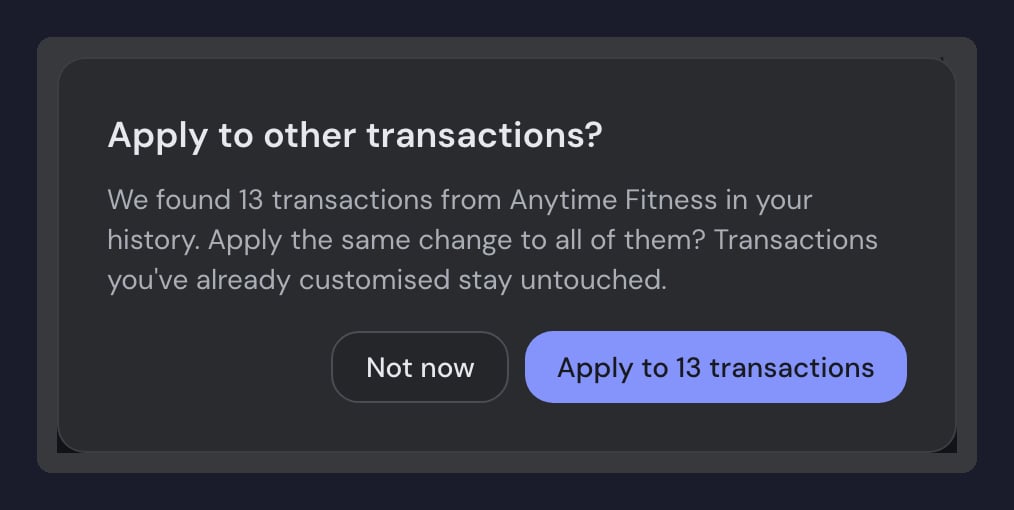
When you save an edit in the transaction’s detail panel, guito asks whether to extend the change to past transactions that share the same descriptor, and shows the exact count. That question is only about the past: the forward learning is already done the moment you save, whether or not you accept the offer.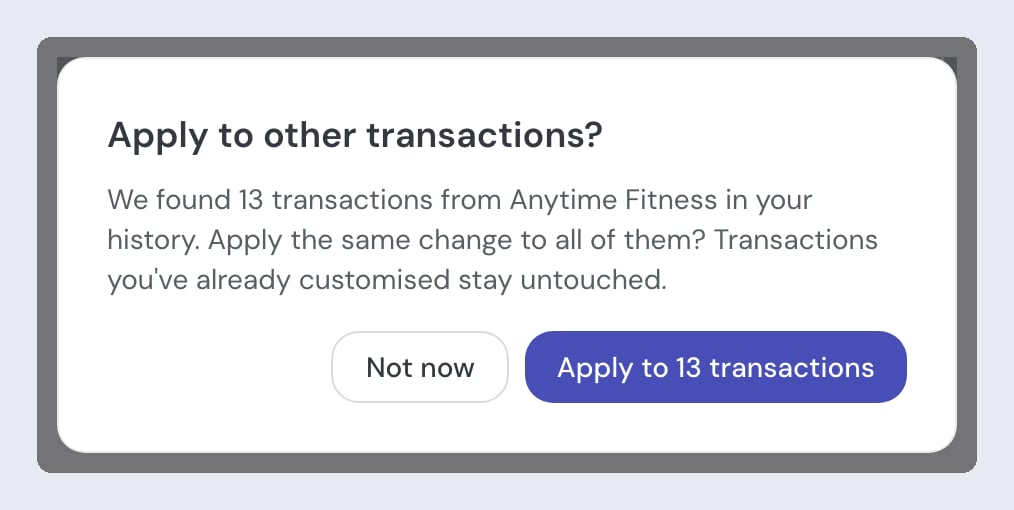
Renaming a merchant
Renaming a merchant applies to everything that shares that merchant, not just one descriptor. A name you type is personal — only you see it, and that is how you pin a name of your own. If you pick one of the suggested brands, you get that brand’s official name and logo, and that name wins over any name guito had set on its own. Transactions with the same merchant name count as a single merchant in your summaries and charts, whatever the capitalization (“AMAZON” and “Amazon” are the same merchant). Two different spellings (“Amazon Marketplace” and “Amazon”) count as two merchants until you rename one to the other’s name. A merchant that matches no brand (a personal payment, a small local shop) stays inside your own account, without a logo, until you later link it to a brand.For the step-by-step of how to edit a transaction or rename a merchant in the interface, see Transactions and cash flow.
How categories interact with the charts
A refund keeps the category of the original expense (an Amazon return stays in Shopping), but counts on the income side, because it is money coming in. That is why the same category can appear on both sides of the chart. For the full sign convention, see Cash flow.Your privacy
- Your categories and the names you type stay in your account. The only thing that leaves your account is the link between a bank descriptor and a public brand, recorded anonymously, so guito can recognize that merchant for accounts that do not have it yet.
- That shared information holds no personal data. It stores only descriptors with personal information stripped out (no IBAN, no tax number, no phone number), and it never propagates people’s names: any descriptor that looks like a person’s name is rejected.
- Custom categories count just like the default ones. Rename Market to Groceries, or create Streaming next to Subscriptions, and guito picks the best option from your own list.
Related pages

Transactions and cash flow
View, filter and analyze your bank transactions.
Cash flow
How guito calculates income, expenses and the sign convention.

Bank sync
How automatic open banking sync works.

AI assistant
Ask questions about your spending in natural language.