

Access is always read-only. guito reads your account balances, your transaction history, and the account holder name and IBAN, but can never move money or touch your funds. You authorize access in your own bank’s portal, with your usual credentials, which guito never sees or stores.
Set up automatic sync
For the connection step by step, see Connect your bank.Automatic open-banking sync is part of the Plus plan and is included in the 14-day free trial.
- Transactions sync automatically.
- Each transaction arrives already named, categorized, and matched to a merchant.
- Each account’s balance tracks what the bank records on your statement.
You don’t have to clean up after the bank. If the same transaction arrives more than once, guito shows it only once. Genuine repeat purchases, such as two identical top-ups on the same day, stay as distinct transactions. Each transaction is dated by its booking date, the day the bank recorded it; a separate value date, when the bank sends one, is shown for reference only and never feeds into balances or totals. For how those dates drive your balances, see how balances work.
How often your data updates
Each account refreshes about three times a day while you’re using guito, so roughly every 8 hours. If you go a while without opening the app, your accounts refresh less often, but never less than once a day, and they return to the normal rhythm as soon as you come back. Whenever you open guito, it requests a refresh for your accounts if the last one was more than 8 hours ago. You can also refresh whenever you want: on Connections, use Refresh now on the bank’s row to refresh every account on that connection, or open a single account and use the same button on its connection card to refresh just that one. If your bank won’t accept more requests that day, we tell you what time the next refresh becomes available.The data isn’t real-time. Banks cap how many times a day we may fetch each account (usually 4), so it’s normal for a few hours to pass between refreshes, and for a transaction you make right now to show up later. The balance and transactions you see are always the ones your bank reported at the last refresh.
Manage connections
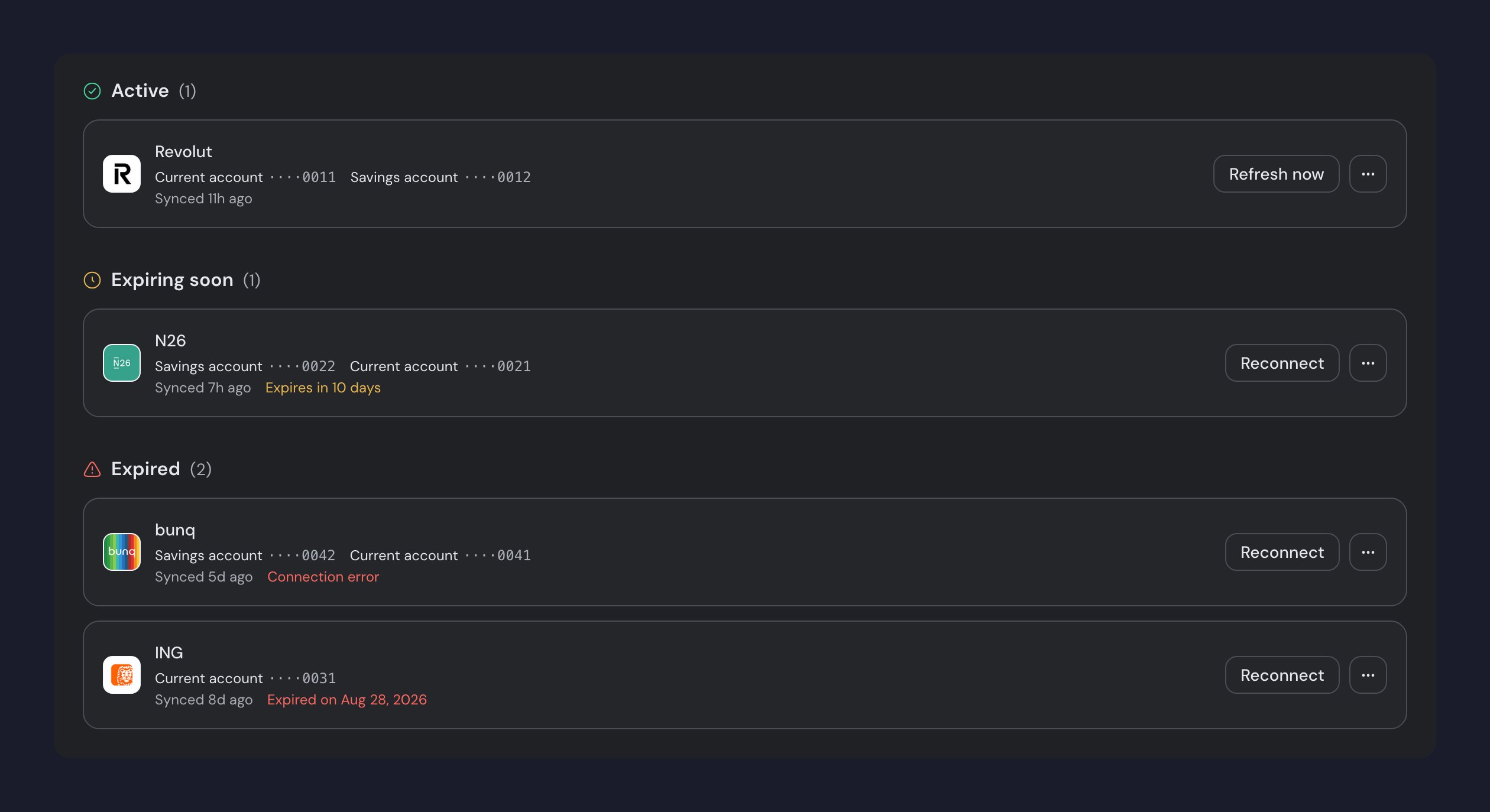
The Connections page (sidebar, Tools section) gathers all your automatic connections in one place, grouped by status. From here you renew an expired connection or reconnect one that has an error.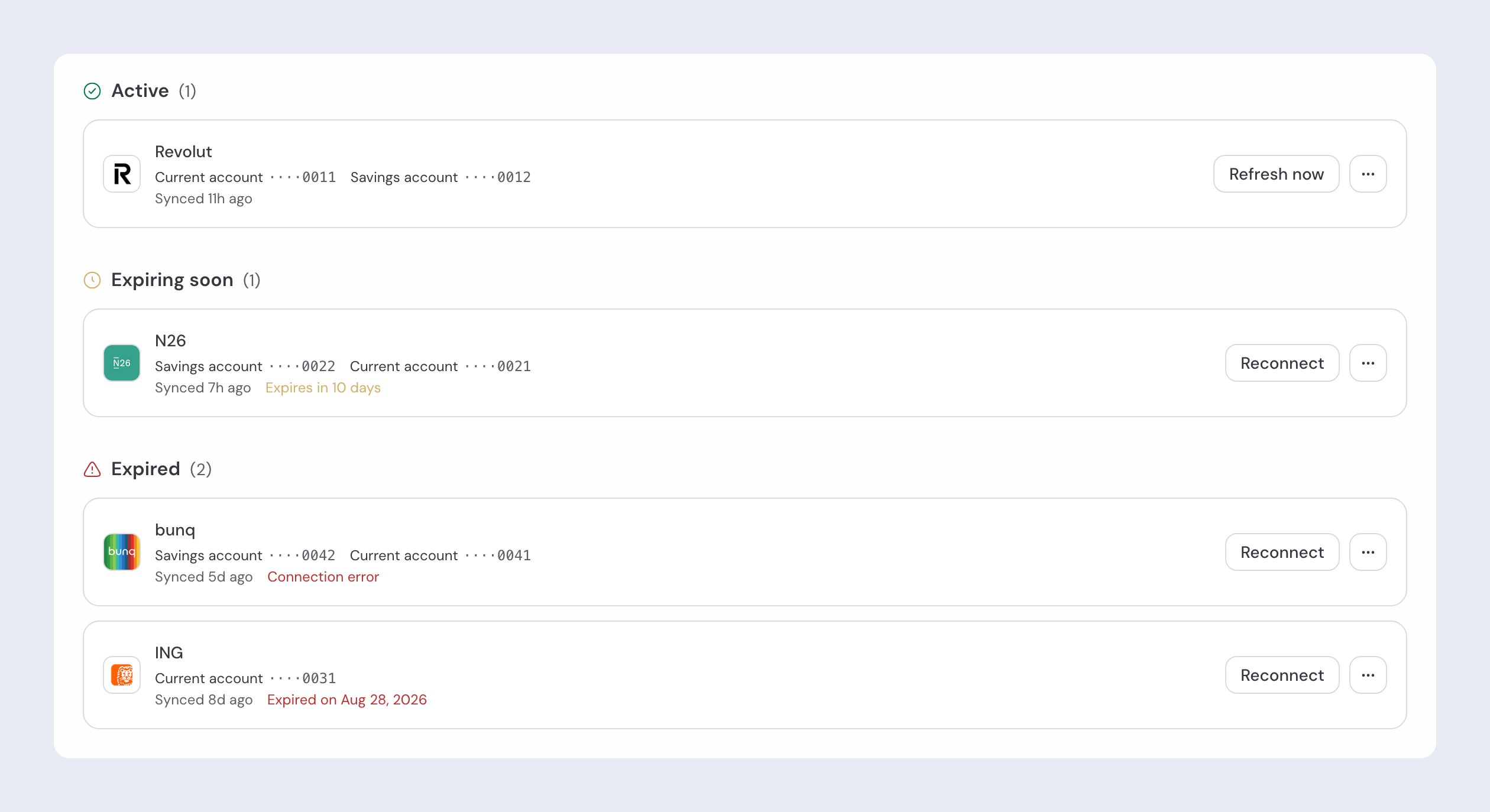
Renew the authorization
By open-banking rules, the authorization you give guito to read your accounts expires periodically (typically every 90 days, though some banks allow longer) and needs to be renewed. When that happens, the account shows a notice asking you to reconnect.1
Find the expired connection
On the Connections page, the expired connection appears in red.
2
Reconnect
Click Reconnect. You go through your bank’s portal again to authorize access, just like the first connection.
Renewing the authorization does not erase your history. Transactions already synced remain, and automatic sync resumes as soon as the connection is renewed.
Related pages

Connect your bank
The first open-banking connection, step by step.

How balances work
How guito calculates and presents your account balances.

Transfers
How guito identifies and handles transfers between your accounts.