

To link a transfer or exclude a movement from cash flow, see Transactions.
What a transfer is
A transfer is a movement where the other side is you: another of your own accounts (whether or not it is in guito), one of your own investments, or one of your own credits. A cash withdrawal only becomes a transfer once you link it to a wallet account. The method used (SEPA transfer, card, instant transfer, ATM) does not matter. What matters is whose money is on the other side. guito groups these movements under a neutral category, Transfers, so they stand apart from your purchases. When both legs of a transfer between your own accounts are in guito, it links them and keeps both out of your income and expense totals. You can also exclude any single movement from cash flow yourself.Payments to companies are real expenses, not transfers. The exception is when both legs are your own accounts — for example, from your personal account to your company’s account.
What guito classifies as a transfer
- Movements between two of your own accounts, when guito can see both halves and links the pair.
- Movements to and from somewhere you keep your own money: a savings pocket, a term deposit, your brokerage’s cash account, a currency conversion inside the same account.
- Cash deposits: nobody is on the other side, and it may be your own cash or money you were paid, so they stay out of both totals.
What is no longer a transfer
- Person-to-person payments (Revolut Pay, Wise, an instant transfer from a friend) now count as income when you receive and as an expense when you pay. That is somebody else’s money, not yours.
- ATM withdrawals now count as an expense on the day you withdraw, because the money left the accounts guito can see. To track the physical cash, see below for how to link it to a wallet account.
Linking the two legs
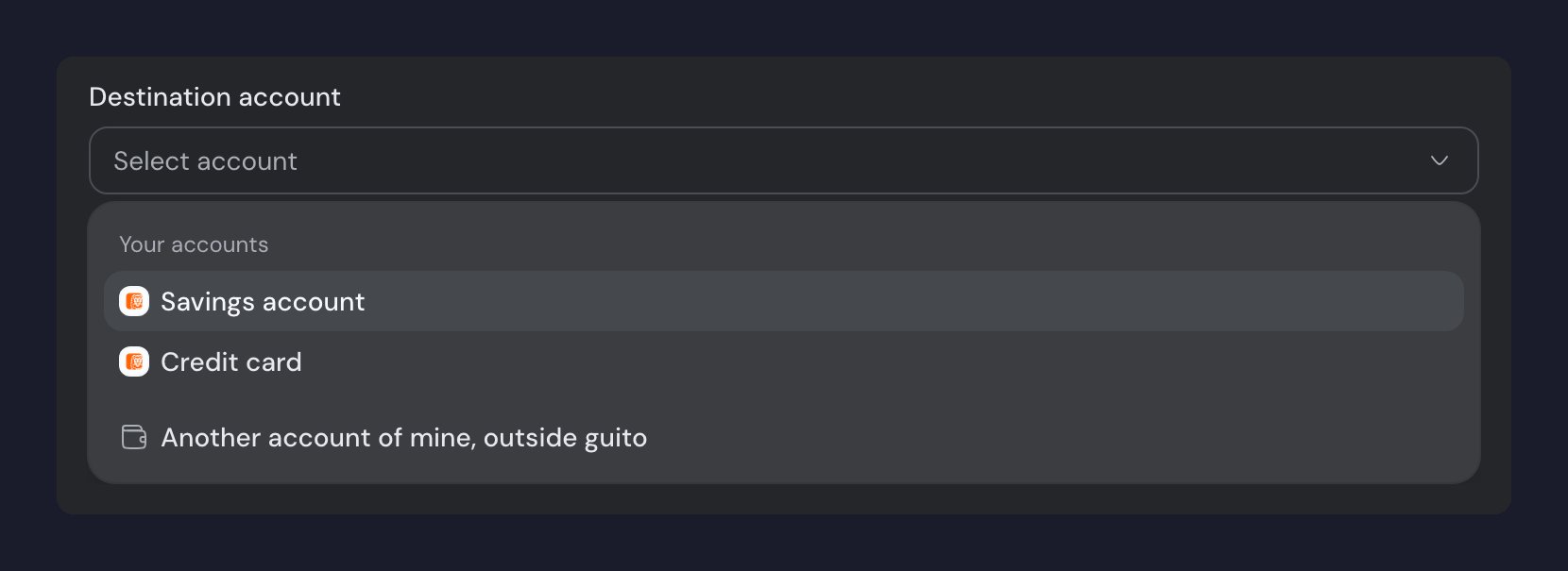
When both legs of a transfer are in guito, it links them automatically. When it cannot be sure they belong together, it leaves them unlinked. In the details of a movement in the Transfers category, you can link it to an opposite-amount movement in another of your accounts, booked within five days either side. When the other leg does not exist as a movement (for example, cash you withdrew into your wallet), you can pick which of your accounts the money went to, in the destination-account field of the details: guito creates the other half in that account and links the pair. Only your manual accounts in the same currency are offered. A movement in a different currency, or one whose counterpart is not in guito, will not pair automatically: link it or exclude it from cash flow. You can also remove a link you disagree with, from the movement’s details, and guito keeps that decision. Those two movements are not linked again on a later sync, and each of them stays free to be linked to a different movement. Linking the same two by hand undoes the decision.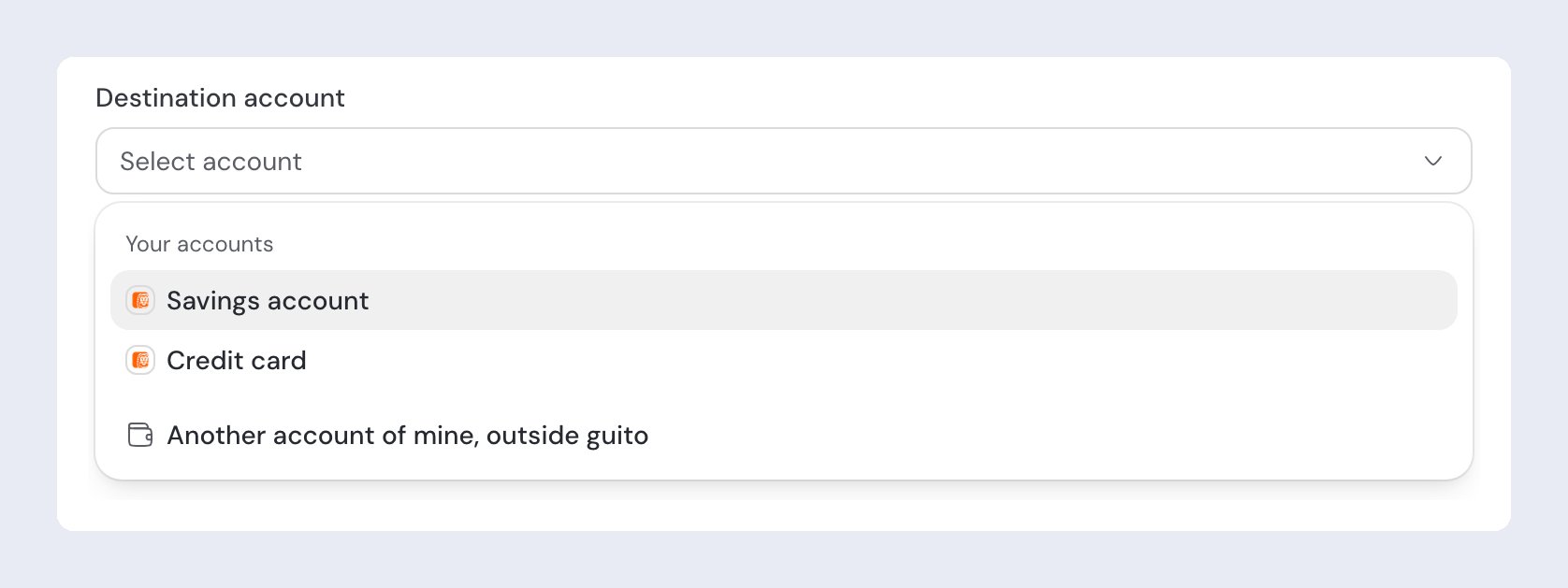
Special cases
The other account is not in guito
The other account is not in guito
In the movement’s details, pick “Another account of mine, outside guito”: it is recorded as your own money and stops counting as income. If you want to see both legs, add the other account as a manual account and pick it as the destination account.
Cash withdrawals
Cash withdrawals
A withdrawal counts as an expense on the day you make it. If you want to track the physical cash, add a manual wallet account and pick it as the destination account in the withdrawal’s details: the withdrawal stops counting as an expense, and what you record in the wallet counts instead.
Investment buys and sells
Investment buys and sells
Buying or selling an instrument moves money between your account and the investment, so the transactions list shows it as an origin → destination flow, just like a transfer. The movement still sits in the Investments category, not Transfers, and it still counts in cash flow. Dividends are income, not a transfer.The movement that paid for a buy already has its other side — the investment — so guito never links it as a transfer. It is not matched automatically, it is not offered in the list of movements you can link by hand, and if you try to point it at another account guito tells you why it cannot. The same holds the other way round: a movement already linked to a transfer is not offered as the movement that paid for a buy.
Related pages

Transactions
Link a transfer, exclude a movement from cash flow, and adjust categories.
Cash flow
How guito computes income and expenses, and what stays out of the totals.