

/goals).
guito doesn’t move money between accounts: it places labels over the balances you already hold, showing how much is allocated to each goal and how much is left to go.
Goals deal with savings and targets. Monthly spending caps live on a separate page, under Plans, Budgets (
/budgets).Two kinds of goals

Continuous (fund)
A perpetual goal with no finish line and a target amount in euros. For example: keep €1,600 allocated across accounts and certificates. You name it, set the amount, and the goal tracks it continuously. It’s never completed.

One-off (savings)
A goal with a target amount and, optionally, a target date. For example: a trip to Japan, a down payment on a house, a new car. It’s completed when you reach it.
An emergency fund is a continuous goal. You can have several goals for reserves and choose one to follow in Home in the mobile app. The In Home label identifies the selected goal; changing this selection does not transfer money or delete the previous goal.In Emergency fund, Create emergency fund always creates a new continuous goal and automatically selects it for Home. The name is filled in and can be edited. When monthly expenses are available, the target starts with a suggestion based on the months of coverage. You can adjust it before creating the fund.Monthly expenses are measured from your accounts, over the last six months of transactions. You only need to enter a figure if you want to override that measurement: in the mobile app, under Edit emergency fund, the Average monthly expenses field. The figure you enter is the one used; clearing the field returns to the measurement. If the window holds no expense transactions there is no measurement and no suggested target.Choose where the money comes from too. If another goal already uses all accounts, the new fund uses specific accounts and assets. The goal shown in Home does not have to be the automatic goal.When creating or editing a continuous goal, enable Show as emergency fund in Home to choose it. This option does not appear on one-off goals. Only one goal appears as the emergency fund in Home; other goals and their allocations stay as they are. Turning the option off on the selected goal leaves Home without a selected fund.The target belongs to the goal. Months of coverage help suggest an amount, but never change it without confirmation.
Creating a goal
1
Open the goals page
In the sidebar, go to Plans, Goals (
/goals).2
Click Add
Choose between a continuous goal (fund) or a one-off goal (savings).
3
Give it a name and a target amount
Enter the name, pick an icon, and set the target amount in euros. On a one-off goal you can also add a target date.
4
Choose how to fund the goal
Set the allocation (see below) and, for manual allocation, which accounts and assets (for example, a savings certificate) feed the goal. You can adjust everything later on the goal’s page.
Availability of accounts and products
A goal can be funded by accounts and eligible investment products, including certificates and money-market funds. Not every investment is equivalent to available cash.- Available to redeem is the portion you can already redeem.
- Free to allocate subtracts commitments to other goals and the minimum balance, where applicable.
- Still locked does not count toward current coverage. You can select that product to fund the goal when it becomes available; each portion shows its unlock date.
Allocation: automatic or manual
Accumulation goals (continuous and one-off) measure progress from your cash and cash-equivalent balances: bank accounts and liquid products (savings certificates, money-market funds). On a continuous goal, the choice between automatic and manual is the Use all available money switch inside Manage accounts. When switching from automatic funding to specific accounts and assets, save the mode change and open Manage accounts to choose the sources.- Automatic — use all accounts (funds only)
- Manual
The goal counts all the liquid money that isn’t already promised to another goal, with no need to pick accounts — apart from any account you excluded from goals (see Accounts that fund goals below). It answers the question “Is the money I already have enough?” It’s the typical choice for an emergency fund.You can have only one automatic continuous goal, so the same money is never counted twice.
Allocation: track the balance, with an optional max
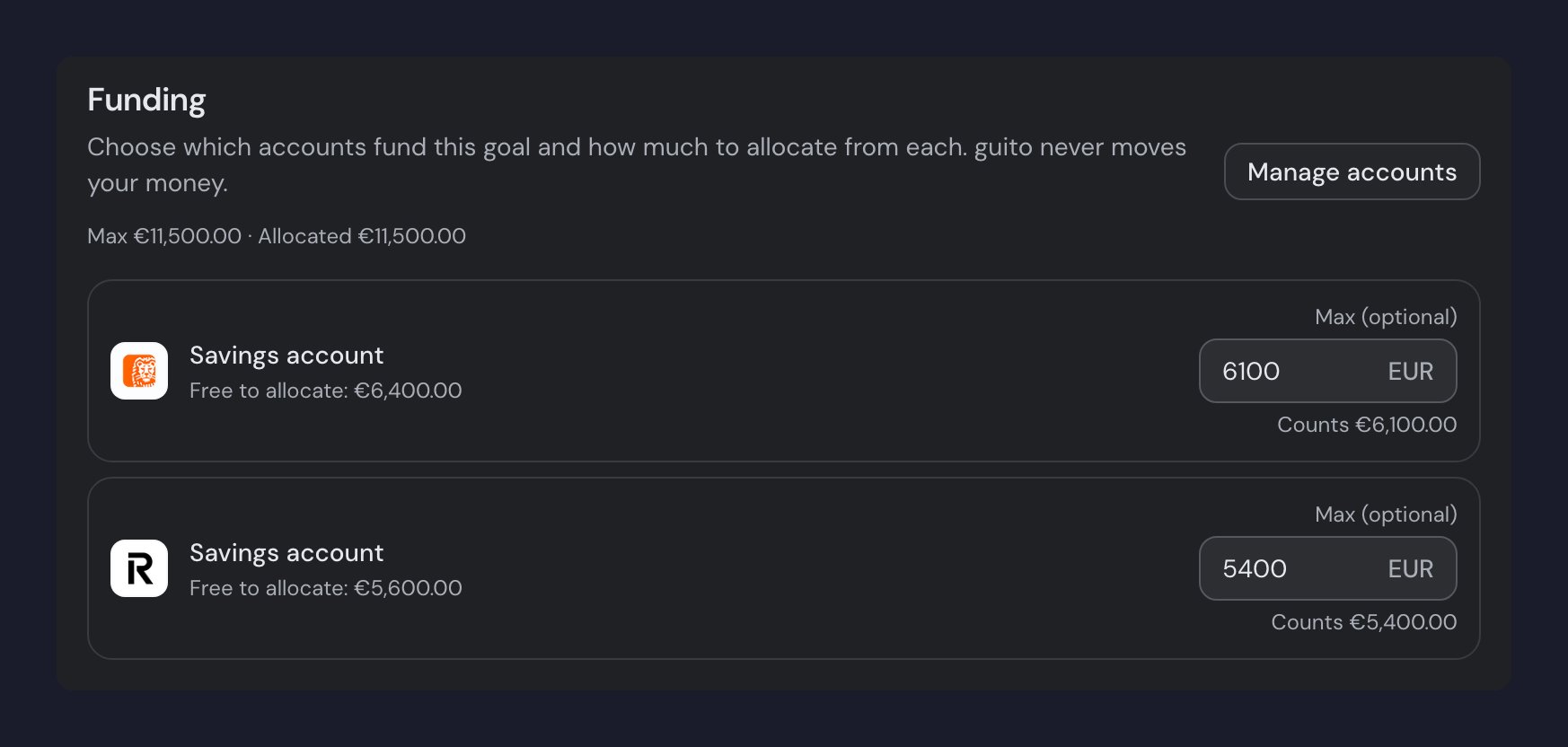
In each goal’s Funding section, you choose which accounts and assets fund it (the Manage accounts button on the web, Manage allocation in the app — it opens the Allocation screen, where Manage accounts picks the sources). Each source you pick tracks its value, up to the target amount, and updates itself: an account follows its balance, a Certificado de Aforro follows its current redeemable value (which grows as lots mature and interest accrues). Once it reaches the target it stops counting, and whatever’s left over becomes available for other goals. The same source can fund several goals. On each source you can set an optional Max, to cap how much of it counts toward this goal (useful for splitting one source across several goals). The max is just the ceiling you declare: it can be higher than the source’s current value (it counts up to that max as the source grows). guito computes what’s actually allocated today, which never exceeds the source’s available value.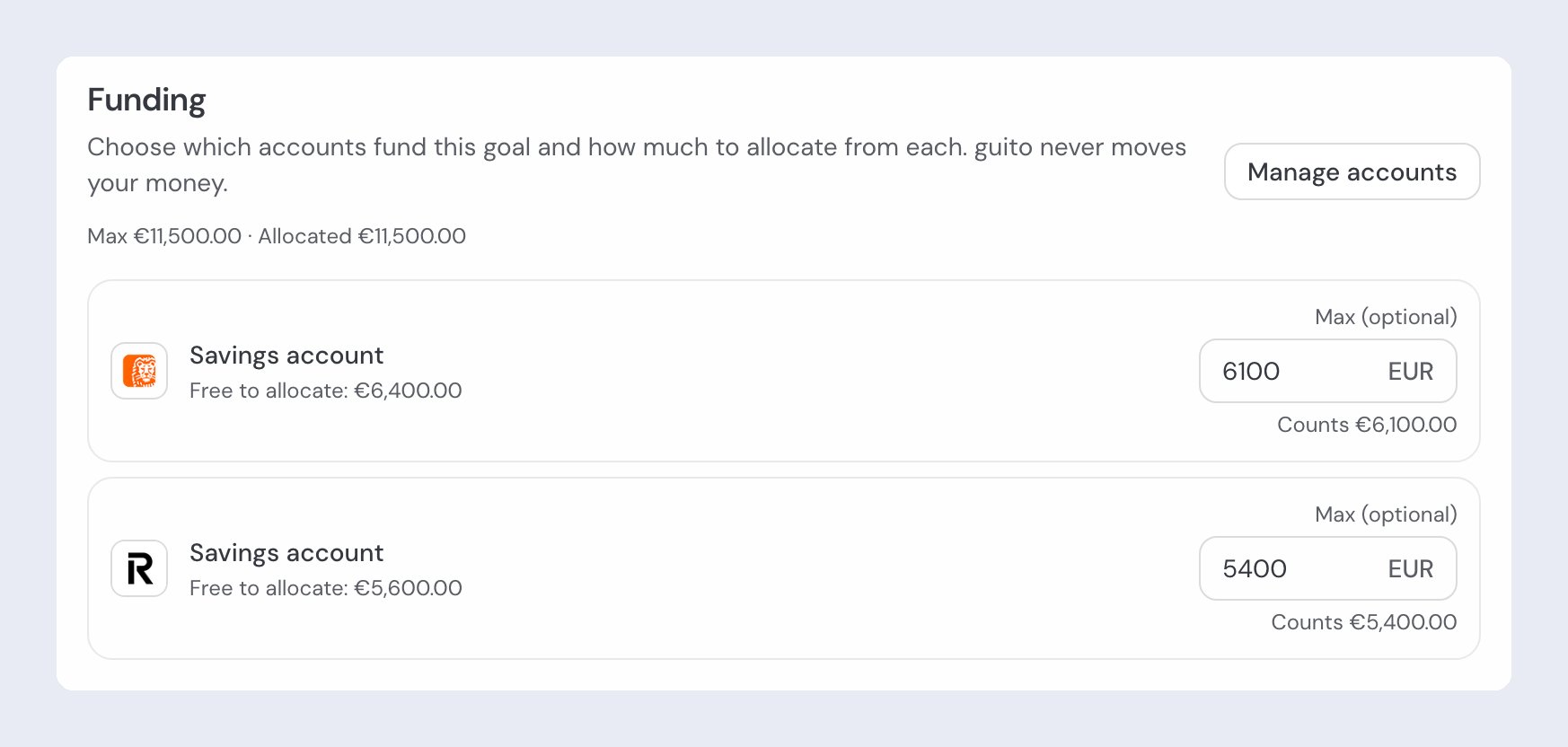
Priority between goals
When several goals compete for the same account, the one higher up the list fills first. Continuous goals always rank above one-off goals. To change the order, use the Priority button on/goals and drag the goals. When you save the new order, allocations follow the new priority.
Accounts that fund goals
When you edit an account, under Accounts, the Use this account for your goals field decides whether that account’s balance can fund goals. Yes is the default. Set it to No and the account stops counting toward goals that use all accounts, and stops appearing in the list of accounts you can pick — useful for money that isn’t really yours to save, such as a term deposit or money you lent out.Minimum balance per account
Some accounts carry a minimum balance: an amount that stays aside and is never allocated automatically. When one is set, the account’s row in Funding shows how much is free to allocate and how much is held back as a minimum balance.- On goals that pick accounts, the allocation never dips into the minimum balance. A fund with Use all available money is the exception: it counts the account’s whole balance, minimum included.
- You can set a Max that reaches into the minimum balance — guito shows a confirmation dialog — but the amount actually allocated still stops at the minimum.
The minimum balance protects money you don’t want to touch (a Revolut vault, for example) or keeps headroom for unexpected expenses. It exists only on accounts, not on products.
A one-off goal’s lifecycle
While it’s in progress, the allocated amount grows as the balance allows. While nothing is allocated the badge reads Starting — deadline or no deadline: a goal nothing has happened to yet is neither on track nor behind. From the first euro allocated, a goal with a deadline shows On track or Behind, and one without reads In progress. Two states always win over Starting, even at zero: Deadline approaching, when the deadline falls in the current month, and Missed, when the deadline has passed. A missed deadline doesn’t close the goal — you can add funding or push the deadline out. Once the total allocated reaches the target, the accounts keep funding it until you click Complete goal, which releases the allocations for other goals. After that, Restart goal starts it over with the same sources and maxes, asking first: the allocations are reserved on their source accounts again.Frequently asked questions
Why isn't my goal growing?
Why isn't my goal growing?
Check, in this order: insufficient balance in the account (no headroom to grow), the account is excluded from goals (Use this account for your goals set to No), a minimum balance on the account holding part of it back, another goal with higher priority competing for the same account, or a goal that has already been reached or completed.
Why does the account show less available than the real balance?
Why does the account show less available than the real balance?
Almost always because of the minimum balance plus the active allocations. The amount available to allocate is the balance minus those two.
Does guito move money between my accounts?
Does guito move money between my accounts?
No. Allocations are just labels over balances that already exist. No money is moved, and guito never touches your bank.
Related pages

Budgets
Monthly spending caps by category.

Accounts
The accounts and certificates that feed your goals.