

/overview). It brings together everything guito tracks — accounts, investments, property and credits — into a single net-worth figure and shows how that figure evolves over time.
What the dashboard shows

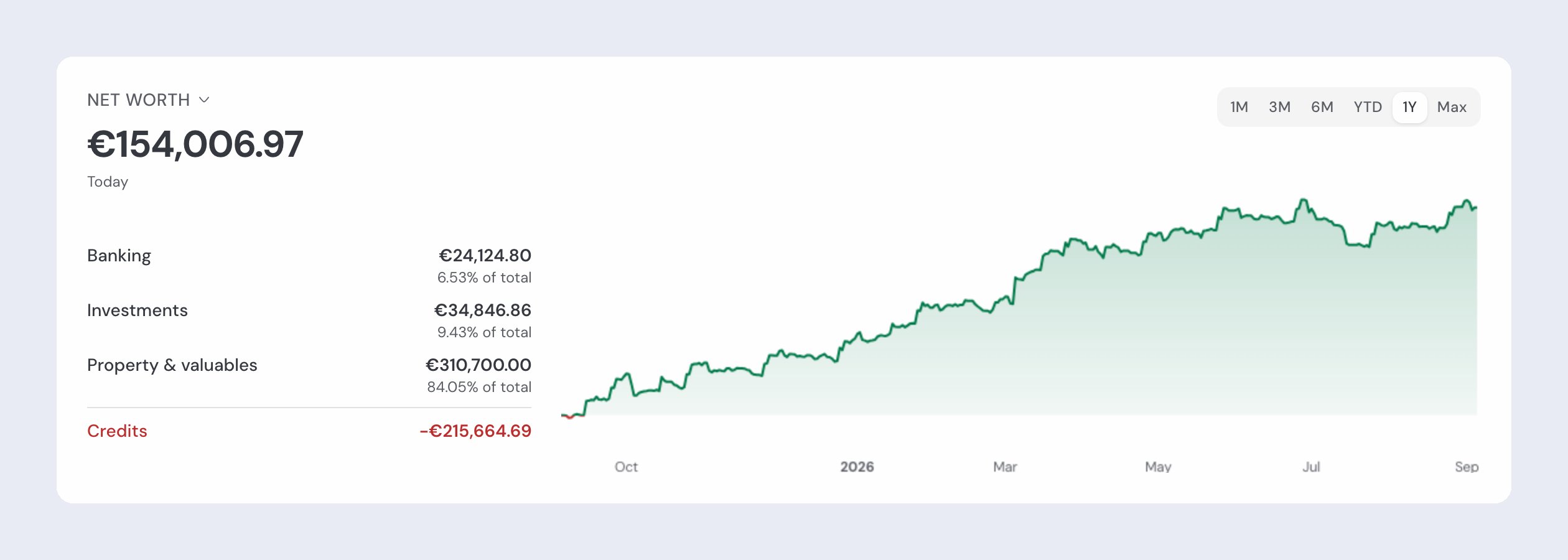
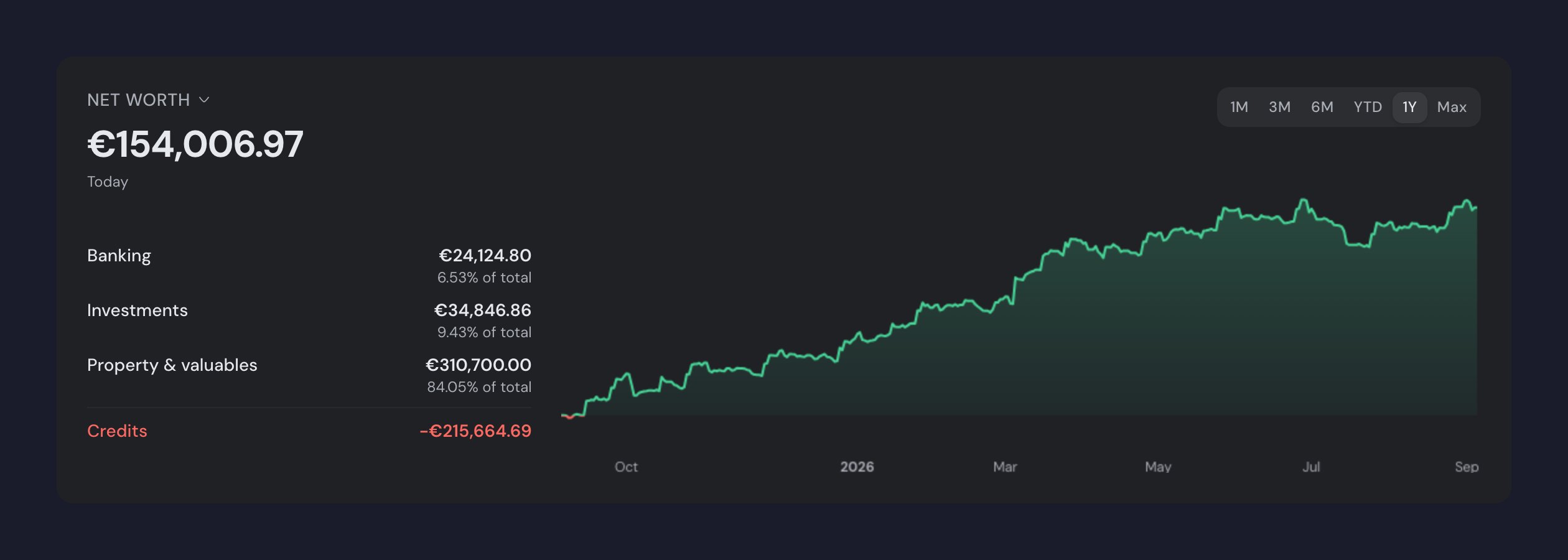
Net worth
The sum of all your assets minus your liabilities. It is the headline figure at the top of the page. On the Plus plan, if you have credits recorded, the label above the figure opens a menu to show Total assets or Total liabilities instead, and the chart follows.

Breakdown by category
Your net worth split across Banking, Investments, Property & valuables and Credits, so you can see where the value comes from.

Evolution chart
The history of your net worth over time, so you can follow the trend.

Top investments
Your largest investment positions.
Customize Home in the mobile app
Open Profile → Settings → Customize Home to choose the metric and sections you want to see. You can show or hide Emergency fund, Goals, Budgets, Accounts, Investments, Activity, and Spending by category. Under Show on Home, drag each section’s handle to choose its position, including the emergency fund. Restore automatic order returns to the order that prioritizes sections with data. These choices are saved on this device; hiding a section does not delete its data. Total assets and Total liabilities are available when your plan includes loans and you have recorded debt, including credit cards. The selection changes both the main value and the chart. The same screen includes Hide amounts to enable privacy mode.How the chart groups your net worth
The evolution chart groups values into three asset categories, with credits on a separate line:- Banking: bank balances and cash in your accounts.
- Investments: stocks, ETFs, funds, bonds, crypto, savings certificates (Certificados de Aforro) and the investments you value yourself (P2P lending, business stakes, money you lent to someone), across all portfolios.
- Property & valuables: real estate and other assets.
- Credits: what you owe (mortgage, personal loans, credit cards), subtracted from your net worth.
On the Free plan the chart history is limited to 6 months: longer periods are marked as Plus. See plans and pricing.
Customizing the dashboard
Use the Edit button above the sections to choose which ones appear and drag each one into the order you want; on a large screen you can also drag a section’s side edge to make it wider. Done saves the layout. The Goals and Budgets sections have a settings icon for choosing which entries they show. See the Goals and Budgets pages for details.Stale price warnings
When market prices have not been updated recently, the dashboard shows a subtle note next to your net-worth figure (for example, “Some prices may be up to N days old”). The market value is still calculated using the last known price. Per-position warnings appear in the holdings list on Investments. To learn what each warning means and what to do, see quotes and asset valuation.Related pages

Bank sync
Connect your accounts via open banking to feed the Banking category.

Investments
Track stocks, funds and Certificados de Aforro across your portfolios.

Goals
Your goals appear as a widget on the dashboard.

Budgets
Your budgets appear as a widget on the dashboard.

Transactions
See the transactions that update your account balances.
How balances work
The logic behind balances, valuations and total net worth.
Quotes and valuation
Where quotes come from and what the warnings on positions mean.