

/investments), in the Valued by you section, alongside the rest of your investments and your savings certificates.
On the free plan you can hold three of these at a time. Closing one frees the
slot for another. Plus raises the limit to 25. Once you’re one slot away from the
limit, Add manually starts saying how many you’ve used, so you don’t find out
with the form already filled in.
What belongs here
There are nine kinds, shown in two groups, and the one you pick shapes the wording you’ll see from then on. Market securities, for assets that trade on a market but that guito doesn’t quote yet:- Stock: a share you couldn’t find in search.
- ETF: an ETF you couldn’t find in search.
- Fund: a fund or a PPR plan with no public quote.
- Bond: a government or corporate bond.
- Crypto: a coin or token that doesn’t show up in search.
- P2P / Crowdlending: the balance you hold on a peer-to-peer lending platform.
- Private equity: a stake in a startup or a venture fund.
- Business stake: a share in a company.
- Loan to a third party: money you lent and expect to get back.
A physical asset (a home, a car, gold, art) isn’t an investment: record it under Properties and assets. And a loan you granted is the opposite of a credit: here you record money owed to you, while money you owe lives in Credits.
What about stocks?
It depends on which stocks. If it’s a listed stock, ETF or fund guito doesn’t carry yet, the best route is still Suggest adding this product, from the search box: once it’s in the catalog it gets a daily quote and behaves like any other position. In the meantime you can record it as Stock, ETF or Fund, so it isn’t missing from your net worth. Its value is then whatever you enter, and keeping it current is up to you. If it’s an unlisted company (a stake in a family business, shares in a startup), record it as Business stake or Private equity.Units
The value you record is always an amount, not a price per unit. If you know how many shares or units you hold, enter it under Number of shares, quotas, coins or units and guito shows you what each one is worth. It’s only an annotation: it never changes the investment’s value or its return, and you can correct it at any time under Edit investment. If you add money after entering the number of units, guito no longer knows how many you hold, and the per-unit figure shows with a ”≈” in front. Enter the new count under Edit investment and the ”≈” goes away.Maturity date
Three kinds have a field for the date the money is due back: Bond, Loan to a third party and P2P / Crowdlending. The rest don’t show it, because they have no end date. The maturity date can never be earlier than the investment date. If maturity has already passed, you can still record it: the estimated accrued interest stops counting on that date.Brand
On the five market kinds (stock, ETF, fund, bond and crypto) you can pick the brand of what you bought: type the name, pick the match from the list, and the investment shows the logo instead of the initials of its name. It’s optional, and the other four kinds don’t show the field.Add an investment
1
Open Investments
Click Investments in the sidebar.
2
Click Add
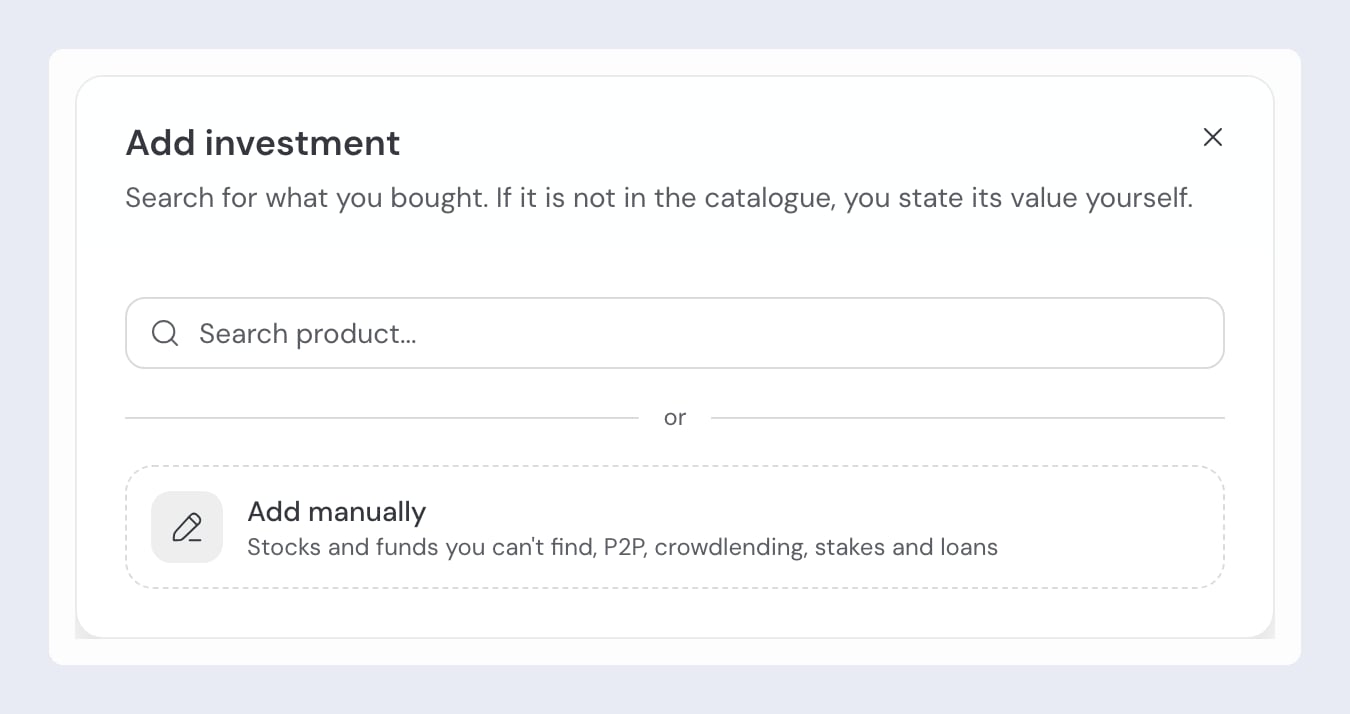
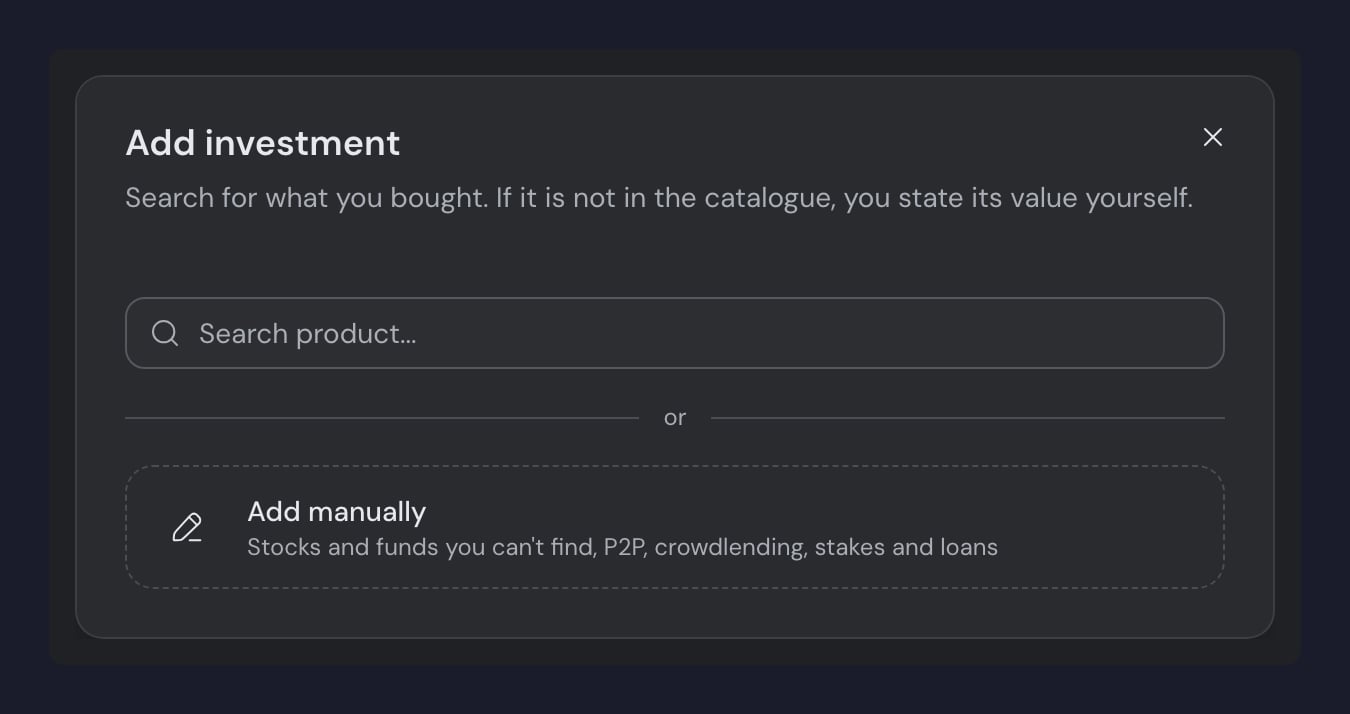
It’s the same button you record a buy with. The window opens on the search and, below it, separated by an or, Add manually is always there.
3
Choose the kind
The picker shows all nine kinds in the two groups, Market securities and Off-market. If you had typed something into the search, guito keeps that text as the name and picks Stock for you. You can change both.
4
Fill in the details
- Name: whatever you call it, for example “Mintos” or “Loan to John”.
- Amount invested: how much you put in. Depending on the kind, the field is called Amount deposited, Amount lent, Total invested or Total amount invested. The currency is chosen in the form’s currency picker.
- Investment date: when the money left your pocket.
- Current value (optional): if it’s already worth more or less than you invested. Depending on the kind, the field is called Market value, Current balance, Outstanding balance, Valuation or Stake value. Leave it empty and guito assumes the amount invested until you update it.
- Number of shares, quotas, coins or units (optional): an annotation. It isn’t shown on P2P / Crowdlending or on a loan to a third party.
- Annual interest rate (optional): shown on a loan to a third party and, under the name Indicated annual rate, on P2P / Crowdlending. On a loan it changes how the value is calculated; on a P2P holding it only feeds the accrued-interest estimate.
5
Confirm
Click Create investment. If you have more than one to record, Create and add another saves this one and returns you to the search for the next.
Which currency you record in
Any of the nine kinds can be recorded in another currency. If you bought a stock in dollars, or hold a balance on a P2P platform in dollars, switch the euro for the dollar in the form’s currency picker: that’s the currency you then enter the amount invested in, and later the current value. You can choose from ten currencies: euro (EUR), US dollar (USD), pound sterling (GBP), Swiss franc (CHF), Polish zloty (PLN), Swedish krona (SEK), Hungarian forint (HUF), Norwegian krone (NOK), Danish krone (DKK) and Canadian dollar (CAD). There is one case where you don’t get to pick: a loan to a third party with an interest rate is always in euros, because the value is worked out from the amount lent.Whichever currency you record in, your portfolio totals and your net worth are still shown in euros: guito converts the value at the exchange rate.
Correcting the investment’s details
Edit investment, in the position’s actions menu, lets you correct everything that describes the investment:- Name: how the investment appears everywhere.
- Kind: changes how guito classifies the investment and what it calls its value. Fields the new kind doesn’t use disappear.
- Amount originally invested: corrects the first entry, the one that created the position.
- Investment date: the day the money left your pocket.
- The fields specific to each kind: units, rate, maturity date, brand, platform, originator and status.
Moving an asset into investments
If you already recorded an investment under Properties and assets — a crowdlending platform balance, say, or money you lent someone — you don’t have to delete it and type everything again: the asset’s action menu offers Move to investments, which carries the amount invested, the acquisition date and the latest value you recorded (earlier valuations stay on the asset, which is archived). The step-by-step is in Properties and assets.Frequently asked questions
Is this the same as Properties and assets?
Is this the same as Properties and assets?
No. Properties and assets is for what you own physically, such as a home, a car or gold. These investments are money put to work, which is why they count toward your investments total and carry a return.
I recorded a stock by hand. Why does it sit with my other stocks?
I recorded a stock by hand. Why does it sit with my other stocks?
Because it is a stock. The kind you picked says what the asset is, and that’s what drives the asset-class filter and the portfolio breakdown, whether guito quotes the position or you state its value. What separates them is where the value comes from, and that’s what the Valued by you section is for.
Can I record an investment in another currency?
Can I record an investment in another currency?
Yes, on any of the nine kinds. The one exception is a loan to a third party carrying an interest rate, which stays in euros. Either way, your totals and your net worth are shown in euros.
I recorded an investment in the wrong currency. Can I switch it?
I recorded an investment in the wrong currency. Can I switch it?
You can, while the investment is still just its first entry: open Edit investment and switch the currency in the currency picker. Once it has a second movement or an updated value, guito stops allowing the switch — delete the investment and record it again.
Related pages

Updating and closing
Keeping the value current, recording repayments, and closing the position.

P2P lending
Platform, originator, and the total per platform.

Investments
Stocks, ETFs and funds, and how positions are organized in your portfolio.

Properties and assets
Real estate, vehicles and other assets, with manual valuations.